How to Set Up Twitch Donations Step by Step
Set up streamer donations on Twitch: donation page, BLIK and card payments, test donation, and a link ready to publish.

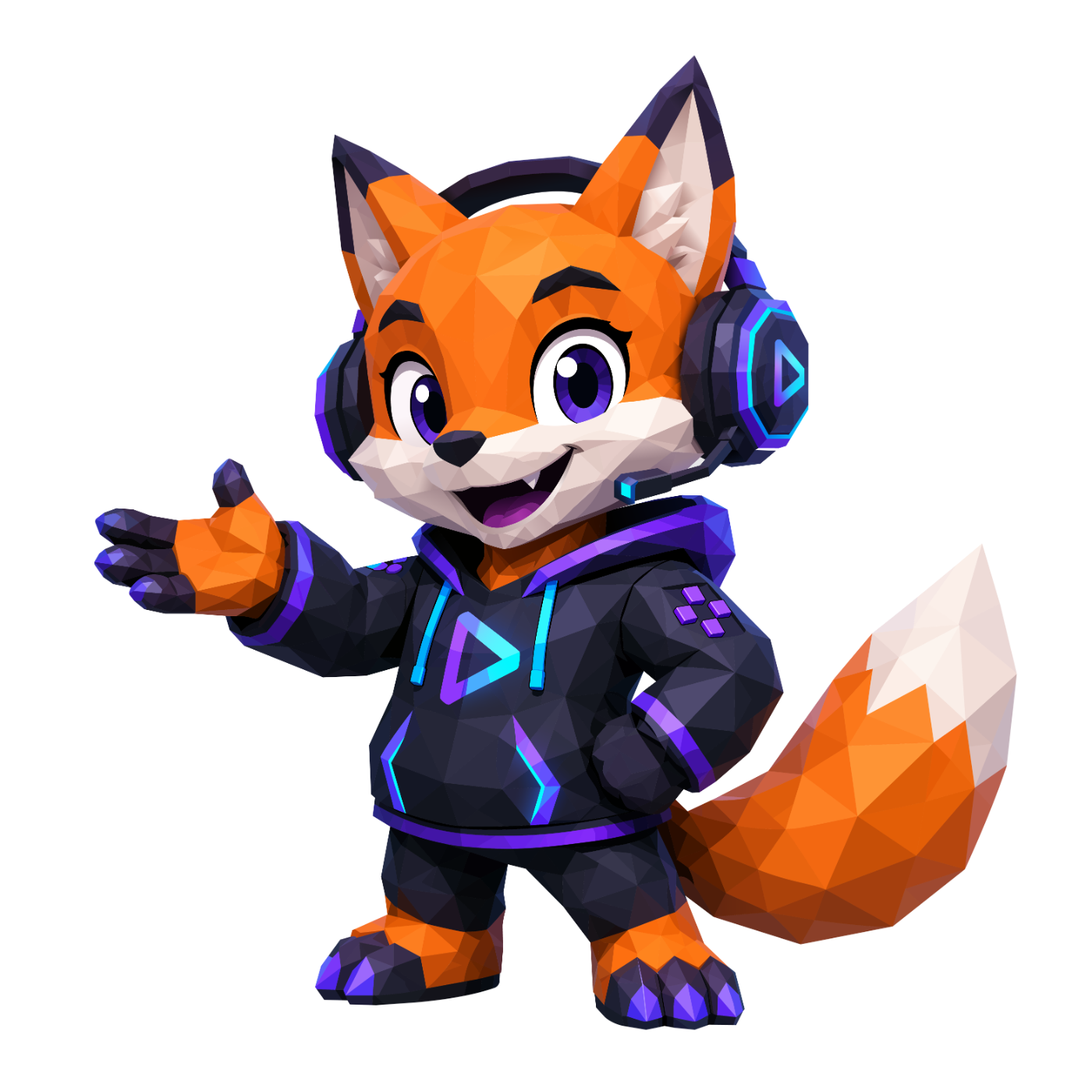
A practical launch flow for streamers: donation page, payments, viewer-side test, and the first CTA placement.
donacje dla streamera
how-to
What to prepare before setup
Before you configure streamer donations, prepare your channel name, the reason viewers should support you, your Twitch profile link, and the payment methods you want visible from day one.
The first flow should be simple: a viewer opens the donation page, understands why support matters, picks an amount, and gets a clear confirmation. Avoid complex variants until that base path works.
A practical launch setup includes the donation page, one test payment, a short confirmation message, and a place to connect an OBS alert or donation goal later.
Step 1: create the donation page
Start with a page you can show viewers without extra explanation. The title should say who receives support and why, while the description should use one concrete sentence instead of a long rule block.
Set three starting amounts: a small test amount, a standard support amount, and a higher amount for highly engaged viewers. That gives people useful defaults instead of making them guess.
After saving the page, open it in a private browser window. It is the fastest way to confirm a new viewer sees the same public flow you expect.
Step 2: enable payments and BLIK
For Polish viewers, BLIK is often the shortest path to a support decision. If payment activation is ready, show BLIK next to card payments and avoid hiding it behind another step.
Check whether fee, payment status, and confirmation messages are clear. The viewer needs to know the donation was accepted, and the streamer needs to know when it is safe to react live.
Do not distribute the page broadly until one test payment reaches the panel and produces the confirmation a viewer should see.
Step 3: test the donation and message
Send one minimal test donation and record the time from click to confirmation. If the wait feels long or the message is unclear, fix the page copy before sharing the link.
Check three things: amount accuracy, whether the viewer name or message is clipped, and whether the streamer sees the event in the panel.
Only after that test should you add the link to the Twitch description, chat command, and first distribution post.
Common mistakes and quick fixes
The most common mistake is sharing a link without context. 'Support me' is weaker than a concrete reason: equipment, an episode goal, a community reward, or keeping a regular live schedule.
The second mistake is skipping the viewer-side test. The panel can look right while viewers still see a long description, unclear button, or missing preferred payment method.
The third mistake is launching without the next step. After the first donations, plan an OBS alert, recent events widget, or donation goal so support becomes visible during the stream.
What to do after launch
After the first successful test, connect the page to OBS with an alert or donation widget. Viewers react faster when support is visible live instead of only inside the panel.
Next, create one donation goal with a concrete threshold. Even a simple goal gives the streamer a natural reason to mention support without pressuring chat.
After seven days, review page visits, CTA clicks, and payment starts. If traffic exists but payments do not, improve the page title, suggested amounts, and first screen before changing the whole funnel.
Preguntas frecuentes
How fast can you launch streamer donations on Twitch?
With an account ready, the base setup can be completed in one evening: donation page, payment methods, test donation, and Twitch profile link.
Should BLIK be visible immediately?
Yes, if the page targets Polish viewers. BLIK shortens the decision path and should be visible next to card payments, not hidden behind another step.
What should you check before publishing the donation link?
Check the public page view, one test donation, the confirmation message, and whether the event reaches the streamer panel.

A zero-to-first-live plan with active monetization: donation page, payment method, OBS, alert, and pre-live test.
A fast OBS donation widget setup with starting dimensions, delay test, and readability checks for live scenes.
A donation quarter closeout: find the funnel break, compare posts by role, and build the next experiment backlog.
Hypr.stream
Run the stack behind this playbook.
Alerts, donations, overlays, and live operations in one creator control room.
Unirse a la beta